Text to video
Text to video generates a clip from a written prompt and nothing else. It is the most direct of the three video techniques, and part of the wider local video toolkit. It is also the least controllable, because nothing anchors the first frame: every decision about subject, framing, colour and movement is made inside a single run.
How it works
A text to video model works the way a still-image diffusion model does, except that it denoises a whole block of frames at once rather than a single picture. The frames are not produced one after another and stitched together. They exist side by side through the entire run, and the model has layers whose only job is to compare a frame with its neighbours so that what appears in one frame still appears, moved slightly, in the next. That cross-frame comparison is the same attention mechanism used elsewhere, pointed along time instead of across a picture.
Your prompt conditions the whole block. That is why a prompt is doing double duty here: it has to describe the scene and the motion, and the model has no way to tell you which half it understood. Most models shaped for this approach are listed on video models, and the differences between them are mostly about clip length, how much motion they are willing to produce, and how well they hold a subject together.
What it is good at
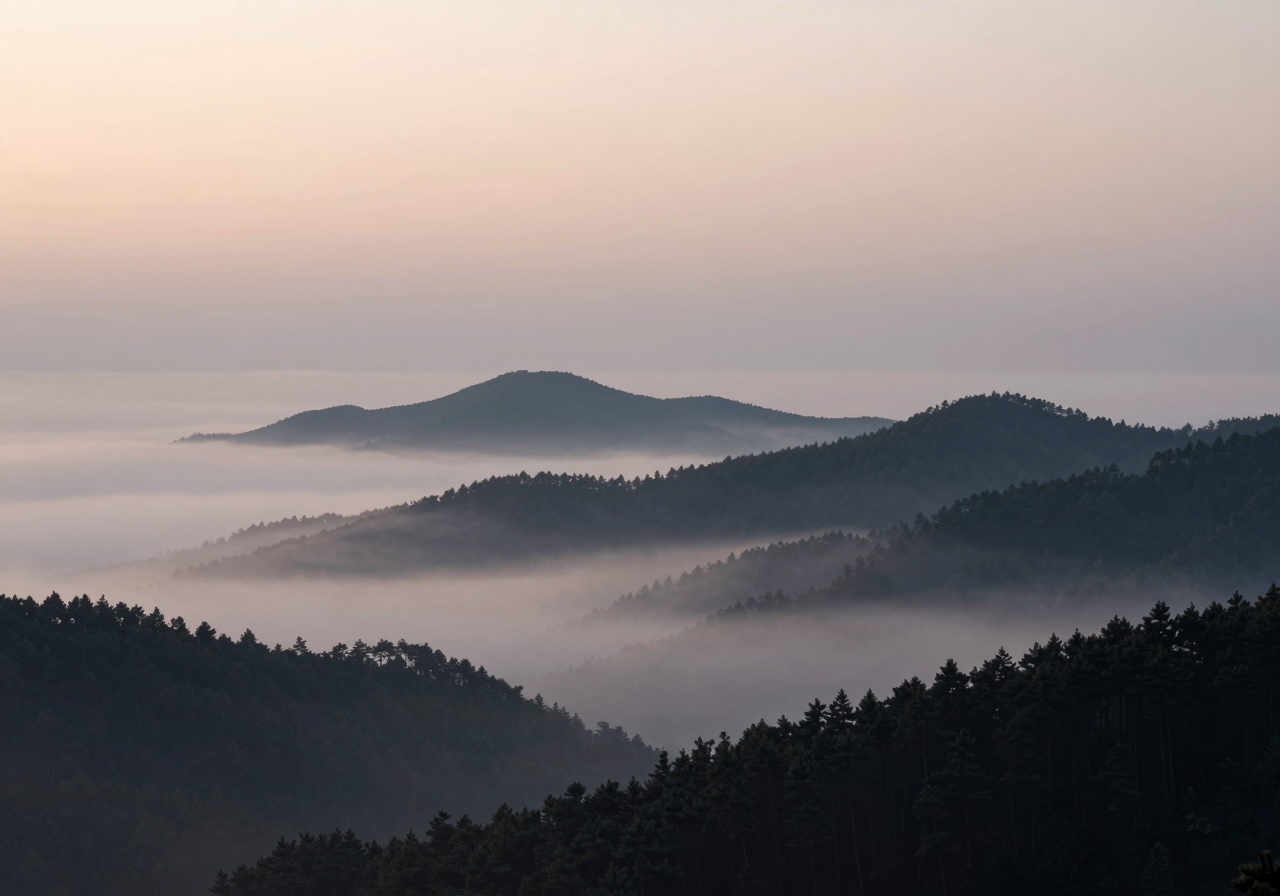
- Motion that has no fixed subject: smoke, water, weather, crowds, abstract texture, camera drift over landscape.
- Establishing shots and backgrounds, where nothing in frame has to be a specific thing.
- Exploring ideas quickly when you do not have artwork and do not want to make any.
- Stylised looks, where a wobble or a shifting detail reads as part of the style rather than as a fault.
Where it struggles
- Drift. Over a clip, things slide away from where they started. Backgrounds change colour, a wall gains a window, the light rotates.
- Morphing. Objects deform into other objects mid-clip. Hands and faces are the usual casualties, followed by anything with a repeated structure such as railings or fingers on a keyboard.
- Identity. A named subject rarely survives the whole clip. A person's face, a specific car, a logo shape: the model has no memory of what it drew a moment ago beyond the frames it can see at once.
- Motion that ignores the prompt. Ask for a slow pan and get a subject that walks instead, or ask for someone running and get a still image with a breathing camera. Motion verbs are the weakest part of the conditioning.
- Text and signage. Written words in frame come out as convincing-looking nonsense and change from frame to frame.
If the shot depends on a specific subject, you will usually get there faster by making a still first and using image to video.
Cost
This is the most expensive of the three approaches. Memory use scales with how many frames are held at once, so VRAM rather than compute is normally what stops you, and the usual fix is a shorter clip before anything else. Quantization of the model weights buys headroom at some cost in quality, and offloading parts of the model to system memory buys more at a large cost in speed. Check GPUs for local AI for what a given card can hold. Compared to this, frame interpolation is nearly free, which is why short generations plus interpolation often beat one long generation.