
Local Voice Cloning: Open Source Voice Conversion Offline
Voice cloning works offline, on open source software, with the reference audio never leaving your disk. That solves the privacy problem and the subscription problem in one move. It does not solve the consent problem, which is yours to settle before you record anything.
GPT-SoVITS and Coqui TTS Architectures
GPT-SoVITS does zero-shot synthesis: give it a few seconds of someone speaking and it will produce new speech in that voice without any training step. The VITS-based architecture handles English, Chinese, Japanese, Korean and Cantonese, and it generates across languages, so a cloned voice can speak one the reference clip did not. Accuracy improves if you go further and train on a slightly longer sample, which is the usual trade — a little more of the speaker's time for a closer match.
Coqui TTS is the toolkit rather than a single model. It ships pre-trained architectures including Tacotron2, Glow-TTS, SpeedySpeech, MelGAN and WaveGrad, along with speaker encoders, and those encoders are what make multi-speaker synthesis possible with no cloud service in the loop. It covers many languages natively. If you want the text-to-speech side of Coqui on its own, the text-to-speech page goes into it.
Lyrebird is a voice changer for Linux, written in Python with a GTK interface. It is small, it modifies audio locally, and it exists for people who would rather stay inside an open source desktop stack than install a studio application.
OpenVoice v2: Instant Cross-Lingual Conversion
OpenVoice clones a voice instantly, copying the tone colour of a reference clip that only needs to be short. The useful part is the separation of concerns: emotion, accent, rhythm and intonation are all controllable independently of how the original speaker happened to deliver the reference. You can take one person's timbre and give it a different pace and mood. Neither version requires the output language to appear in the training data.
OpenVoice V2 is released under a permissive licence, so commercial use is unrestricted. It arrived with better audio quality from a revised training strategy and native support for English, Spanish, French, Chinese, Japanese and Korean. The implementation stands on earlier open source work — TTS, VITS and VITS2 — which is worth knowing if you ever need to read the code or debug a build.
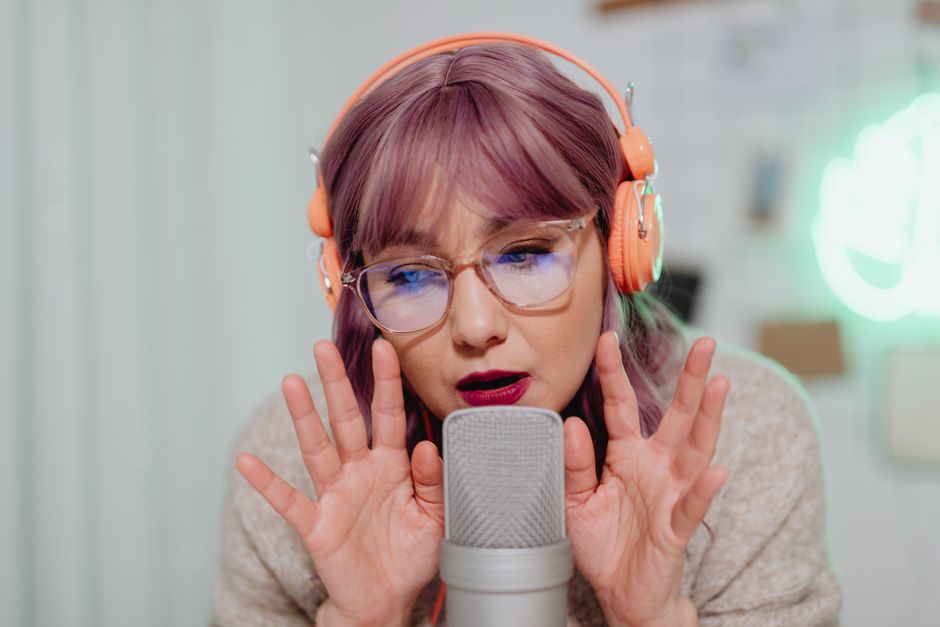
Photo by www.kaboompics.com on Pexels
Voicebox Studio for Offline Synthesis
Voicebox is a local-first voice cloning studio that runs entirely offline on Windows, macOS, Linux and Docker. It bundles several TTS engines behind one interface, Qwen3-TTS, LuxTTS, Chatterbox Multilingual and Kokoro among them, so you can compare how each handles the same line without building a separate environment for every one. Clone zero-shot from a few seconds of audio, or use the curated preset voices and steer the delivery in plain language.
LuxTTS is the light option in that bundle: it needs very little VRAM, outputs at a high sample rate and generates faster than realtime on CPU alone. Voicebox supports many languages, and the preset voices come from Kokoro and Qwen CustomVoice.
The app is built with Tauri, so it behaves like a native application, and it is tuned for MLX and Metal on macOS, CUDA on Windows, ROCm on Linux for AMD cards, and Intel Arc. Whatever hardware you already own, there is a path that uses it — and none of those paths ends at a cloud account or a subscription tier.

Photo by www.kaboompics.com on Pexels
No-Code Deployment with Pinokio
Pinokio installs local AI voice models on consumer hardware without asking you to open a terminal. E2-F5-TTS is the model it leans on for cloning work, and the platform handles the install, the environment variables and the configuration that normally sit between someone and their first generated clip.
Once it is running, everything stays on the machine: the models, the voice samples you feed in and every clip that comes out. No sample or generated file leaves your computer, which is the whole argument for this setup. Generation is unlimited because nobody is counting, and there is no recurring fee because there is no service to pay.
Practical Use Cases for Creators
Creators use local cloning to keep narration consistent across a video series. Recordings made months apart rarely match, and a cold can cost you a week of production; a cloned voice sounds the same regardless.
Audiobooks are the other common job, and here the privacy argument does real work. Unreleased characters, draft scripts and internal training material all stay on your own machine, so there is no third-party server to leak them from.
Game studios prototype with cloned voices, filling dialogue trees with placeholder performances so designers can hear the pacing before anyone hires a voice actor. Accessibility work goes further still: by mapping a person's residual speech patterns onto a synthesised track, these tools can give back a voice someone has lost.

Photo by www.kaboompics.com on Pexels
Ethical Guidelines and Legal Compliance
Get explicit consent from the speaker before you train anything on their voice. Synthetic media is governed by law in a growing number of places, and cloning someone without permission carries legal exposure and reputational damage for the developer and the end user alike. Ask first, and keep a record that you asked.
Tell your audience too, when you publish. A listener assumes a human performed the narration unless you say otherwise, and being told afterwards feels like being tricked. One line of disclosure costs nothing and settles the question.
Running locally does not change any of this. The software is capable and it is free; the responsibility for whose voice goes into it stays with the person at the keyboard. Verify permission before you synthesise anything.

Photo by cottonbro studio on Pexels
Offline cloning gives you a private synthesis pipeline with no commercial API behind it. Which framework fits depends on the hardware you have and the languages you need. The consent question, though, is the same one every time.