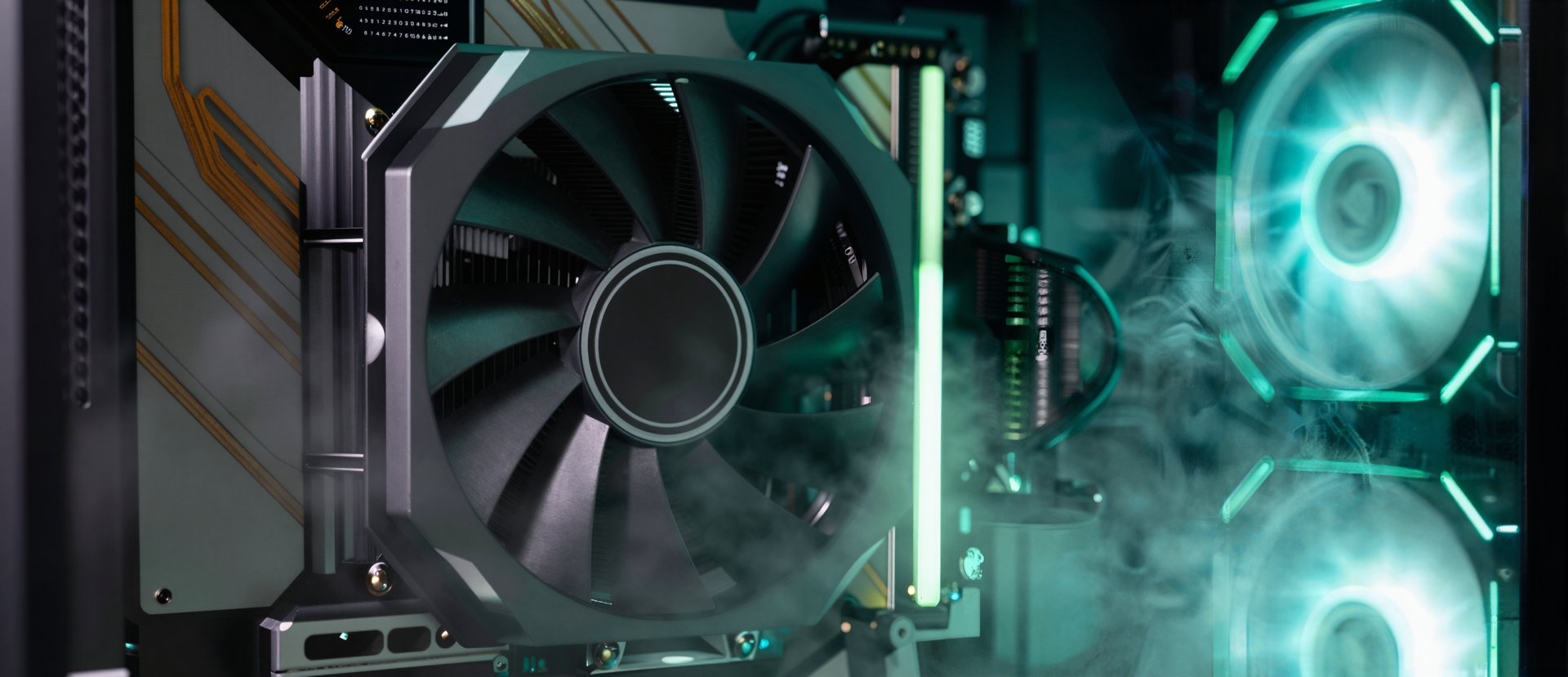
custom built llm inferencing rig with gpu and high-end hardware
Generated using Z Image Turbo

Run AI Locally: Models, Tools, and Guides for On-Device Inference

Welcome to LocalAIZone — a hands-on resource for running AI models on hardware you own. No cloud subscriptions, no prompts leaving your machine, no vendor deciding tomorrow what you get to use today. This is a practical guide for figuring out what runs where, how fast, and with what trade-offs.

Why local AI is worth the setup

Every prompt you send to a cloud service leaves your machine, passes through third-party infrastructure, and gets processed on servers you do not control [1]. For anyone working with sensitive documents, proprietary code, client data, or personal conversations, that is a meaningful privacy risk worth taking seriously. Running models on your own hardware eliminates that exposure entirely.

The economics work too. A $500–$1,500 hardware investment can replace $100–$200 per month in API costs, with payback typically landing in 4–8 months on roughly $5–$15 per month of electricity. Over five years, local AI totals $120–$300 in running costs compared to $1,200 for a ChatGPT Plus subscription [2]. And when your internet goes down, your local model keeps working.

The quality gap has also narrowed sharply. Modern open-weight models on consumer hardware now handle a large share of everyday tasks — coding, summarization, research, writing, general Q&A — at levels once exclusive to premium cloud APIs.

What you'll find here

LocalAIZone is organized around content pillars, each focused on a different kind of model you can run at home.

Audio is the most fleshed-out section today. That covers local text-to-speech, voice cloning, and AI music generation — the tools, the hardware they need, and the workflows that actually hold up outside a demo video. If you have ever wanted to generate a podcast intro without uploading a voice sample to someone else's server, this is the place to start.

Other pillars — LLMs, image generation, vision — are on the way. The site is growing, and each new section gets the same treatment: real hardware, real numbers, honest trade-offs.

LocalAIZone content pillarsAudio is the flagship pillar today; LLMs, image generation, and vision are coming soon.LocalAIZone content pillarsLocalAIZoneFLAGSHIPAudioTTS · voice cloning· music generationCOMING SOONLLMsChat, code,reasoning on-deviceCOMING SOONImage generationDiffusion models,local pipelinesCOMING SOONVisionOCR, multimodal,scene understandingStart with Audio · new pillars arrive as guides are battle-tested

Who this is for

Run AI Locally: Models, Tools, and Guides for On-Device Inference
Photo by Matheus Bertelli on Pexels

Developers building on local models instead of APIs. If you are tired of rate limits, opaque pricing, and terms-of-service changes that could cut off access overnight, local inference gives you a stable target to build against [1]. Tools like LM Studio let you run models such as gpt-oss, Llama, Gemma, Qwen, and DeepSeek privately on your own computer [3]. Frameworks for Retrieval-Augmented Generation (RAG) — techniques that let a model pull answers from your own documents instead of relying on training data — are mature enough to build real applications on [4].

Self-hosters who want AI without handing over their data. If you already run your own Nextcloud, Home Assistant, or media stack, adding a local language model is the logical next step. Your prompts stay on your network, and you control exactly which model runs, when it updates, and what it sees.

Anyone curious about what today's hardware can actually do. You do not need a data centre. A mini PC with 32 GB of RAM or a 16 GB MacBook is enough to run quantized 7B–8B parameter models comfortably. A used RTX 3090 with 24 GB of VRAM — the GPU's onboard memory, which is the single most important spec for local AI — handles models up to around 34B comfortably, and 70B at heavier quantization. New hardware like AMD's Ryzen AI 300 series, with an XDNA 2 NPU delivering 50 TOPS, pushes AI workloads onto laptops that did not exist two years ago [5].

The hardware reality

Run AI Locally: Models, Tools, and Guides for On-Device Inference
Photo by Sanket Mishra on Pexels

VRAM beats clock speed and core count for local inference by a wide margin [1]. When a model exceeds available VRAM, inference drops from 30+ tokens per second to 3–5, which is the difference between a useful assistant and a frustrating one. That is why a used RTX 3090 with 24 GB routinely beats newer cards with less memory for this workload.

On the broader ecosystem, AMD has announced full Llama 3.1 support across EPYC CPUs, Instinct accelerators, Ryzen AI NPUs, and Radeon GPUs — a meaningful sign that local AI is no longer a niche hobby [3]. Apple Silicon owners have the MLX framework pulling serious performance out of unified memory, and even the App Store has native local-model apps like Locally AI, which runs Llama, Gemma, and Qwen on-device with no login and no data collection [6].

The point is: there is no single right answer. A $50 Raspberry Pi experiment and a $4,000 workstation are both valid starting points depending on what you want to do [7]. Our hardware guides walk through the trade-offs without pretending one config fits everyone.

Start here

If this is your first visit, head to the Audio section — it is the most complete area of the site today, with walk-throughs for local TTS, voice cloning, and music generation on hardware you probably already own.

Bookmark the home page and check back as new sections launch. The local AI landscape shifts fast, and the goal here is to keep the guides honest about what works right now, not what worked eighteen months ago. Bring your own hardware, bring your own questions, and let's figure out what it can actually do.

Sources

  1. Best Hardware for Running Local AI Models (2026 Guide)
  2. Local AI vs ChatGPT Cost: AI Cost Calculator & ROI Analysis 2026
  3. AMD Announces Full Support For Llama 3.1 AI Models Across EPYC CPUs, Instinct Accelerators, Ryzen AI NPUs & Radeon GPUs
  4. How to Build Your Own Local AI: Create Free RAG and AI Agents with Qwen 3 and Ollama
  5. AMD unwraps Ryzen AI 300 series 'Strix Point' processors 50 TOPS of AI performance
  6. Locally AI - Local AI Chat App - App Store
  7. The Best Hardware for Running Local AI