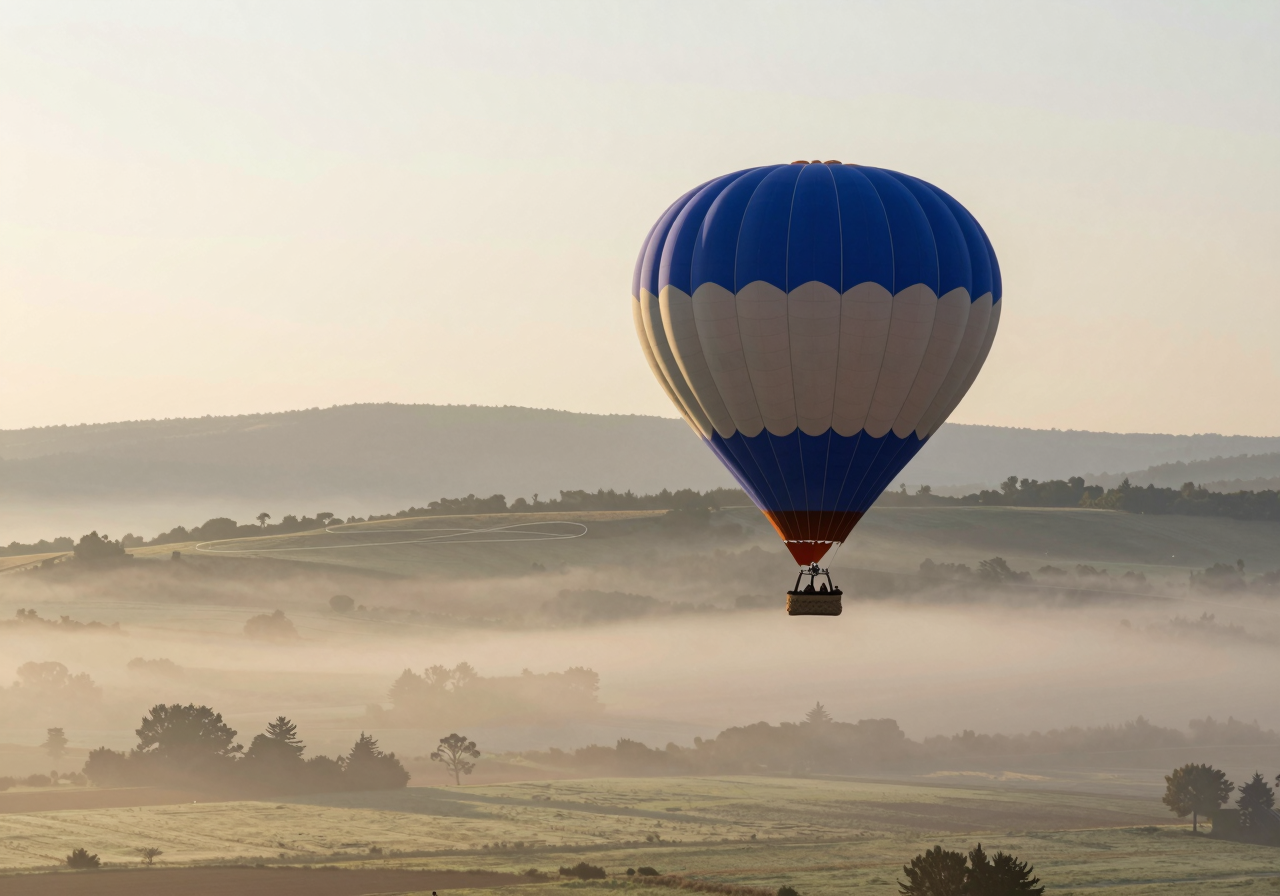
Stable Video Diffusion
Stable Video Diffusion, usually shortened to SVD, is an image-conditioned video model: you hand it a picture and it produces a short clip of that picture moving. It is one of the entries in the video models index, part of the video pillar.
What it does
SVD starts from a still frame rather than from a description. The image you supply is the first frame and the anchor for everything that follows, so the model is not inventing a scene, it is deciding how an existing one should move.
That framing is the thing to understand about it. Composition, subject, lighting and style are all settled before SVD sees the image, which means you can produce the still in whatever image pipeline you already like and treat the video step as a separate, later decision. If you do not like the clip, you can rerun it without losing the picture.
What you steer is the motion: broadly, how much of it there should be and how energetic the result feels. You are not writing a text prompt describing the action. Compared with a text-to-video model this is less expressive and much more predictable, and for a lot of work predictable is what you want.
Like other diffusion models it denoises its way to a result, but the denoising runs across a sequence of frames at once so they stay consistent with each other.
What it needs
Video is the memory-hungry end of image work, and SVD is no exception. The model holds a whole batch of frames in flight during inference, so VRAM use is driven by clip length and frame size together, not by resolution alone. Asking for more frames is the fastest way to run out of memory.
In general terms:
- A card with plenty of memory lets you work at a comfortable frame size without thinking about it. See our GPU pages for what individual cards hold.
- A mid-sized card will usually still run it if you keep clips short and the frame size modest.
- Generation is slow enough that you will not want to guess at settings, and the time scales with the number of frames you ask for.
Reduced-precision weights and tiled decoding of the output frames are the usual ways people fit it onto smaller cards, at some cost in speed or fine detail.
Where it fits
Reach for SVD when the starting image is the point. If you have already made a picture you are happy with, or you are working from a photograph, this is the model that gives it motion without renegotiating what is in the frame.
Choose AnimateDiff instead when you want the clip to come out of your existing image pipeline and carry its style, including any LoRAs you have tuned. Choose LTX-Video when you are still exploring and want a lot of attempts quickly, or when you want to drive the whole thing from a text prompt.
The general workflow behind SVD is covered on image-to-video.
Running it
Most people run SVD through ComfyUI, where the image-to-video pipeline is a small graph: load the model, feed in your still, set how much motion you want, and decode the frames out to a video file. Because it is an ordinary node graph, it sits naturally at the end of an image workflow, so the picture you just generated can flow straight into the video step without a round trip through disk.
The frames come out as frames. Assembling them into a file, and any smoothing afterwards, is a separate step: see frame interpolation.